
Google Workspace Marketplace


Polly
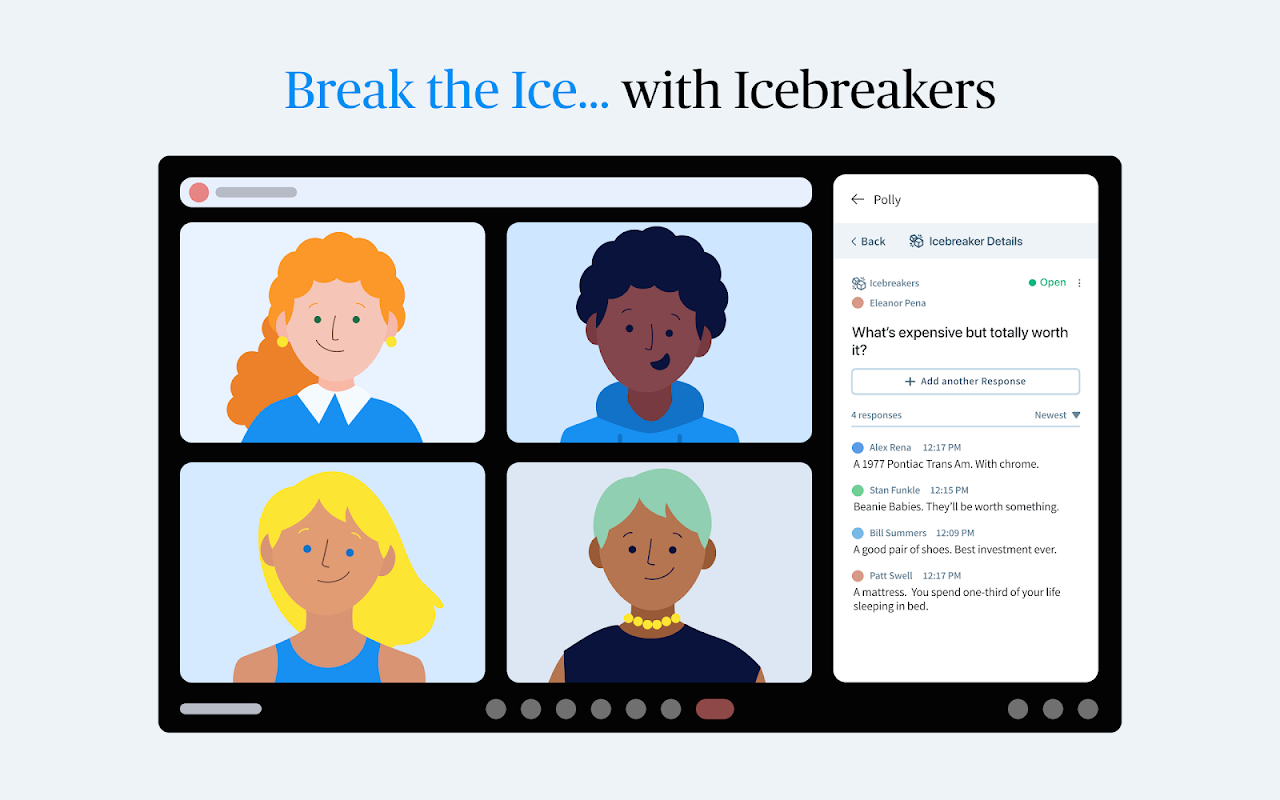
Polly for Google Meet™. Drive meaningful connection with your team in every meeting. Polly makes it simple to engage, empower, and entertain your meeting attendees, instantly
开发者:
应用详情更新日期:2026年1月28日
适用于:
118万+


概览
Drive meaningful connection with your team in every meeting. Polly makes it simple to engage, empower, and entertain your meeting attendees, instantly.
To get started:
1. Open a meeting in  Google Meet™
2. Click on “Activities” button in the lower right hand corner of the meeting
3. Choose the Polly app from the sidebar or use “Get Add-ons” to find the Polly app
4. Authenticate using your google account
5. Click on Create a polly and select Poll, Hot Takes, or Icebreakers to send to your team
6. Configure your selection then hit “Send Now”
7. Enjoy!
其他信息

搜索
清除搜索内容
关闭搜索框
Google 应用
主菜单